Keep a record of which stages and modes you have cleared on Casual, Normal, Veteran or Impossible. Mark your highest win, pick a goal and filter the runs still to do.
This is a manual checklist saved in your browser. It does not read your game save or sync with Steam. An imported backup keeps the higher mark for each run.
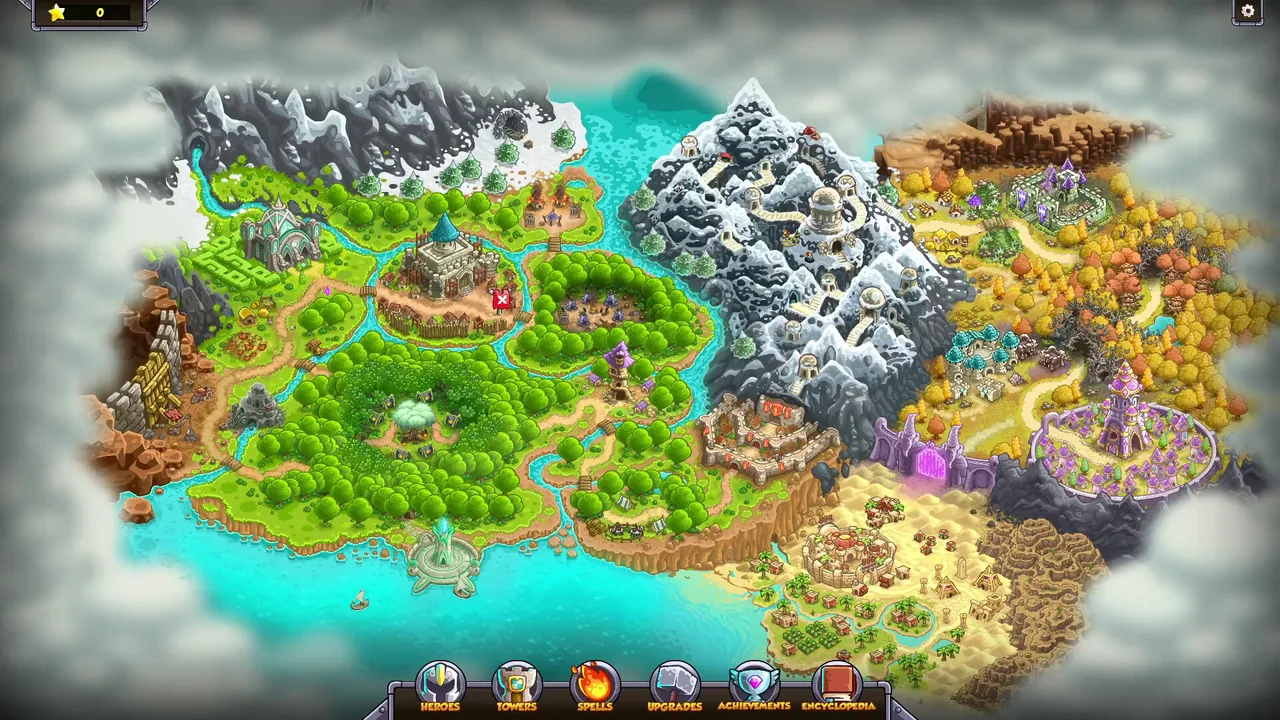
The campaign map, with stages spread across its regions.
Your checklist
0 / 108 cleared at Casual or higher
Loading your checklist…
Choose the highest difficulty you have won for each mode. Select All six modes to compare the whole checklist; swipe sideways if the table is wider than your screen.
Set your completion goal to the difficulty you are working toward.
Turn on the unfinished filter. A stage stays visible if at least one displayed mode is below your goal.
Open a stage name for its walkthrough, then record your win when you return.
For the campaign difficulty achievements, select Campaign and the appropriate goal. The other modes are separate records; a Classic Rush clear is not a campaign clear. The achievement list explains which runs each badge asks for.
You can mark a Casual win while Impossible is your goal: it remains recorded and still appears in the unfinished filter. Changing the goal does not change any marks. To correct a mistake, change that run’s difficulty.
Keep your checklist between devices
Use Export backup to download your marks, then Import backup on the other device. Clearing this site’s browser data removes the local checklist. Import merges the highest recorded difficulty for each run; it does not replace a newer win with an older one.